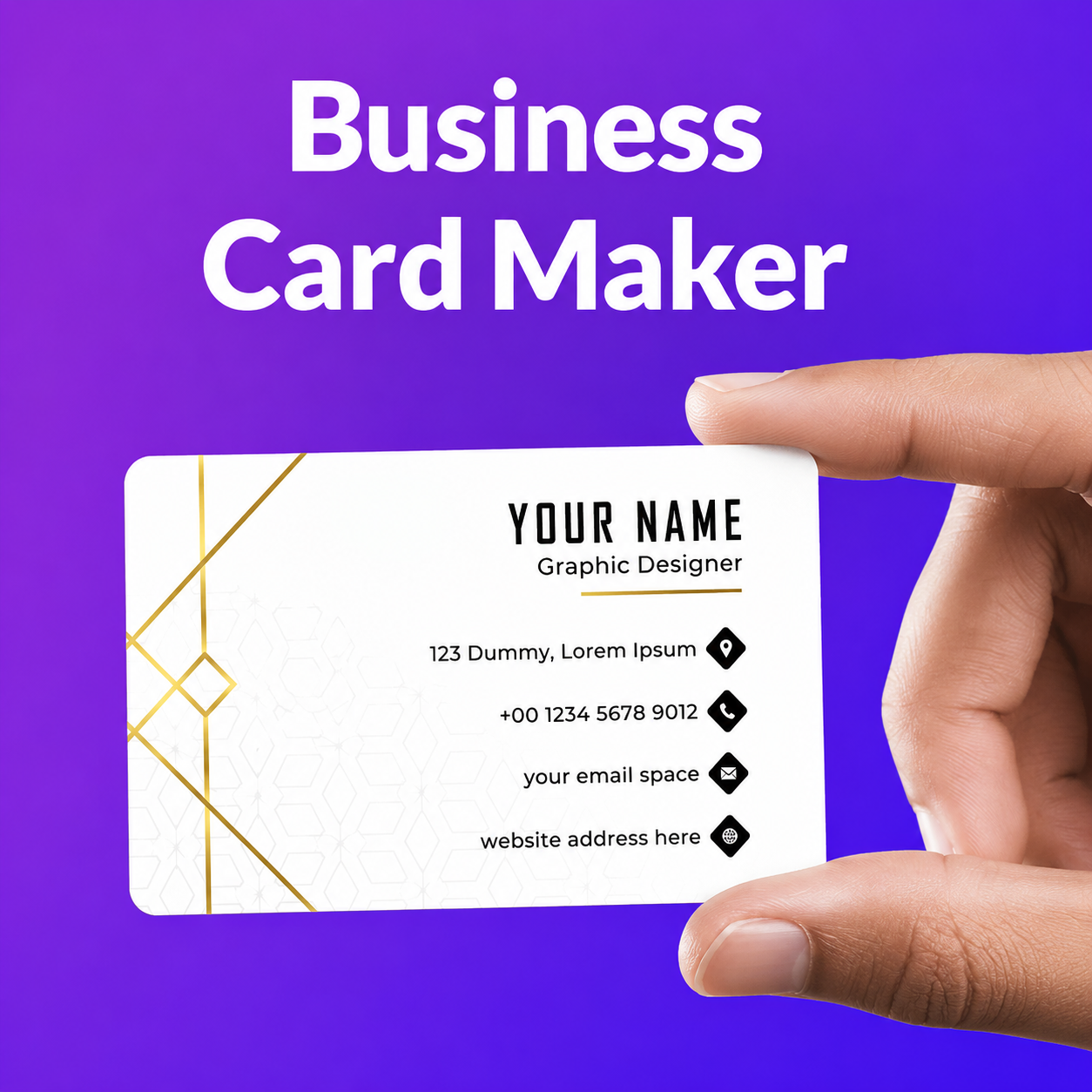
Networking has changed dramatically over the past decade. Instead of exchanging printed business cards, professionals now prefer faster and more convenient ways to share their contact information. A digital business card offers a modern solution by allowing users to exchange professional details instantly using smartphones, QR codes, NFC technology, email, or messaging apps.
Whether you’re an entrepreneur, freelancer, salesperson, consultant, recruiter, or corporate professional, a digital business card helps you create a strong first impression while making it easier for potential clients and business partners to save your contact information.
Unlike traditional paper cards that can be lost or become outdated, digital versions can be updated at any time without reprinting. They also support multimedia content, social media profiles, websites, and interactive features that improve professional networking.
This guide explains how digital business cards work, their advantages, key features, and how to create one that reflects your personal or company brand.
What Is a Digital Business Card?
A digital business card is an electronic version of a traditional business card that stores professional contact information in a digital format. Instead of handing someone a printed card, you share your information electronically using various methods.
A typical card may include:
- Full name.
- Job title.
- Company name.
- Phone number.
- Email address.
- Website.
- Office address.
- Social media profiles.
- Company logo.
- Professional photo.
Many platforms also allow users to include videos, appointment links, portfolios, and other interactive elements.
How It Works
Sharing a digital business card is simple and usually takes only a few seconds.
Depending on the platform, you can send your card using:
- QR codes.
- NFC-enabled cards.
- Email.
- Text messages.
- Social media.
- Direct links.
- Messaging applications.
Recipients can usually save your contact information directly to their smartphone without manually entering your details.
Key Features
Modern digital business cards offer much more than basic contact information.
Contact Sharing
The primary function is allowing people to exchange contact information quickly and accurately.
Instead of typing names and phone numbers manually, recipients can save information with just a few taps.
QR Code Integration
Many cards include a personalized QR code.
Scanning the code allows users to access your contact details instantly using their smartphone camera.
NFC Technology
Some digital cards support Near Field Communication (NFC).
By tapping an NFC-enabled card against a compatible smartphone, your contact information can be shared without scanning a QR code.
Social Media Links
Professionals often connect their cards with platforms such as:
- LinkedIn.
- Instagram.
- Facebook.
- X.
- YouTube.
Providing direct access to professional profiles helps strengthen networking opportunities.
Website Integration
Businesses can include links to:
- Company websites.
- Online portfolios.
- Product pages.
- Appointment scheduling tools.
- Online stores.
This allows potential clients to learn more immediately after receiving your contact information.
Instant Updates
Unlike printed cards, digital versions can be updated whenever your information changes.
You can modify:
- Phone numbers.
- Email addresses.
- Job titles.
- Company details.
- Website links.
Recipients who access your updated profile see the latest information without requiring a new card.
Benefits for Professionals and Businesses
Many organizations are replacing traditional business cards because digital alternatives offer greater flexibility and convenience.
Environmentally Friendly
Digital cards reduce paper waste and eliminate the need for repeated printing.
This supports environmentally conscious business practices.
Cost Effective
Printing business cards repeatedly can become expensive, particularly after branding or contact information changes.
Digital cards eliminate many of these ongoing printing costs.
Easy to Share
Professionals can share their information during:
- Business meetings.
- Conferences.
- Networking events.
- Video calls.
- Sales presentations.
- Online meetings.
The process is often faster than exchanging printed cards.
Professional Appearance
A well-designed digital card reflects a modern, technology-friendly image.
Adding company branding, professional photographs, and website links creates a stronger first impression.
Better Contact Accuracy
Manual data entry often leads to errors.
Digital sharing reduces mistakes by allowing recipients to save information directly into their contacts.
Digital Business Card vs Paper Business Card
Although printed business cards remain useful in certain situations, digital alternatives offer several advantages.
Traditional Paper Cards
Advantages include:
- Familiar format.
- No internet required to hand them out.
- Simple to distribute.
Limitations include:
- Limited information.
- Printing costs.
- Difficult to update.
- Easy to lose.
- Limited interaction.
Digital Cards
Advantages include:
- Easy updates.
- Multimedia support.
- QR code sharing.
- NFC compatibility.
- Website integration.
- Unlimited contact information.
- Environmentally friendly.
Choosing between the two depends on your networking preferences, although many professionals now use both options together.
Who Should Use One?
Digital business cards benefit professionals across many industries.
Examples include:
- Entrepreneurs.
- Sales representatives.
- Freelancers.
- Real estate agents.
- Consultants.
- Recruiters.
- Marketing professionals.
- Healthcare providers.
- Financial advisors.
- Small business owners.
Anyone who regularly exchanges professional contact information can benefit from a digital solution.
Best Ways to Create One
Creating a digital business card is easier than ever, thanks to a variety of online platforms and mobile applications. Many services provide customizable templates, allowing professionals to build a polished profile without design experience.
When selecting a platform, consider features such as customization, ease of sharing, security, analytics, and compatibility with different devices.
Choose a Professional Template
A clean and organized layout improves readability and creates a positive first impression.
Look for templates that include:
- Professional typography.
- Balanced spacing.
- Mobile-friendly layouts.
- Custom branding options.
Add Complete Contact Information
Include only relevant and up-to-date information.
Recommended details include:
- Full name.
- Professional title.
- Company name.
- Phone number.
- Email address.
- Website.
- Business address if applicable.
Accurate information makes it easier for people to contact you.
Include Professional Links
Adding links allows recipients to learn more about your work.
Useful additions include:
- Portfolio.
- Company website.
- Appointment booking page.
- Online store.
- Professional social profiles.
Avoid adding unnecessary links that may distract from your primary goal.
Tips for Designing an Effective Card
An attractive design increases credibility while making your information easier to remember.
Keep the Design Simple
Avoid overcrowding the layout with excessive colors, graphics, or text.
A clean design helps readers quickly find important information.
Use High Quality Images
If you include a profile photo or company logo, ensure the images are sharp and professionally presented.
Low-quality graphics can reduce the overall impact of your card.
Maintain Brand Consistency
Use colors, fonts, and logos that match your personal or company brand.
Consistent branding strengthens recognition across different platforms.
Make Contact Information Easy to Find
Your phone number, email address, and website should be immediately visible without requiring excessive scrolling.
Test Before Sharing
Before distributing your card, check:
- QR code functionality.
- Website links.
- Social media links.
- Contact details.
- Mobile responsiveness.
Testing helps prevent broken links or outdated information.
Common Mistakes to Avoid
Although digital cards are flexible, poor design choices can reduce their effectiveness.
Adding Too Much Information
Avoid including every possible detail.
Focus on information that supports professional communication.
Using Low Resolution Graphics
Blurry photos or logos create an unprofessional appearance.
Always upload high-quality images.
Ignoring Mobile Users
Most recipients will view your card on a smartphone.
Ensure that text, buttons, and links display properly on smaller screens.
Forgetting to Update Information
Whenever your job title, company, phone number, or website changes, update your card promptly.
Keeping information current prevents missed opportunities.
Overloading the Design
Animations, excessive colors, or unnecessary decorative elements may distract from your message.
A simple and modern design is usually the most effective.
Future of Digital Networking
Professional networking continues to evolve alongside technology.
Several trends are expected to influence the future of digital contact sharing.
Contactless Networking
NFC technology and QR codes are making contact sharing faster and more convenient at conferences, trade shows, and business meetings.
Integration With Business Tools
Many networking platforms now connect with:
- Customer relationship management systems.
- Calendar applications.
- Email marketing tools.
- Meeting schedulers.
These integrations improve workflow efficiency.
Advanced Analytics
Some platforms provide insights into how recipients interact with shared profiles.
Businesses can use these analytics to better understand networking performance and engagement.
Greater Personalization
Future digital networking solutions may offer more customization options, allowing professionals to tailor information for different audiences and industries.
Best Practices for Professional Networking
A digital business card is most effective when combined with good networking habits.
Consider these practices:
- Keep your contact information current.
- Follow up after meetings.
- Personalize introductions.
- Maintain a professional online presence.
- Respond promptly to inquiries.
- Review and update your profile regularly.
Building meaningful professional relationships requires consistent communication in addition to sharing contact details.
Why Businesses Are Adopting Digital Contact Sharing
Organizations are increasingly replacing or supplementing paper business cards with digital alternatives because they offer greater flexibility and convenience.
Common advantages include:
- Faster information sharing.
- Lower printing costs.
- Easy updates.
- Improved accessibility.
- Better brand consistency.
- Environmentally friendly communication.
These benefits make digital contact sharing a practical solution for modern professionals.
If you’re interested in business technology, productivity tools, digital marketing, professional branding, and workplace innovation, Readmento.com publishes practical articles that help professionals and entrepreneurs stay informed. The platform covers emerging technologies, business strategies, and digital solutions designed to improve efficiency and networking.
Final Thoughts
A digital business card is more than a replacement for a traditional paper card. It is a flexible networking tool that helps professionals share accurate contact information, strengthen their personal brand, and build meaningful business relationships.
Whether you’re attending conferences, meeting potential clients, or expanding your professional network online, using a well-designed digital card can make communication faster and more efficient. By keeping your information updated, maintaining a clean design, and using modern sharing methods such as QR codes and NFC, you can leave a lasting impression while simplifying future connections.
Frequently Asked Questions
What is a digital business card?
A digital business card is an electronic version of a traditional business card that allows professionals to share contact information through QR codes, NFC technology, links, email, or messaging apps.
How does a digital business card work?
It stores professional information online and can be shared instantly through various digital methods. Recipients can usually save contact details directly to their smartphone.
Can I update my digital business card after creating it?
Yes. One of the main advantages is the ability to update contact information, job titles, websites, and other details without printing new cards.
Are digital business cards better than paper cards?
They offer several advantages, including instant updates, interactive content, lower long-term costs, easier sharing, and support for websites and social media. Many professionals choose to use both formats depending on the situation.
Do I need a mobile app to use one?
Not always. Some platforms work entirely through web browsers, while others offer optional mobile applications with additional features.
Who should use a digital business card?
Entrepreneurs, freelancers, consultants, sales professionals, recruiters, small business owners, corporate employees, and anyone who regularly exchanges professional contact information can benefit from using one.
What should I include on my digital business card?
Include your name, professional title, company, phone number, email address, website, and relevant professional links. Keep the design simple and ensure all information is accurate and up to date.
Tagged: digital business card