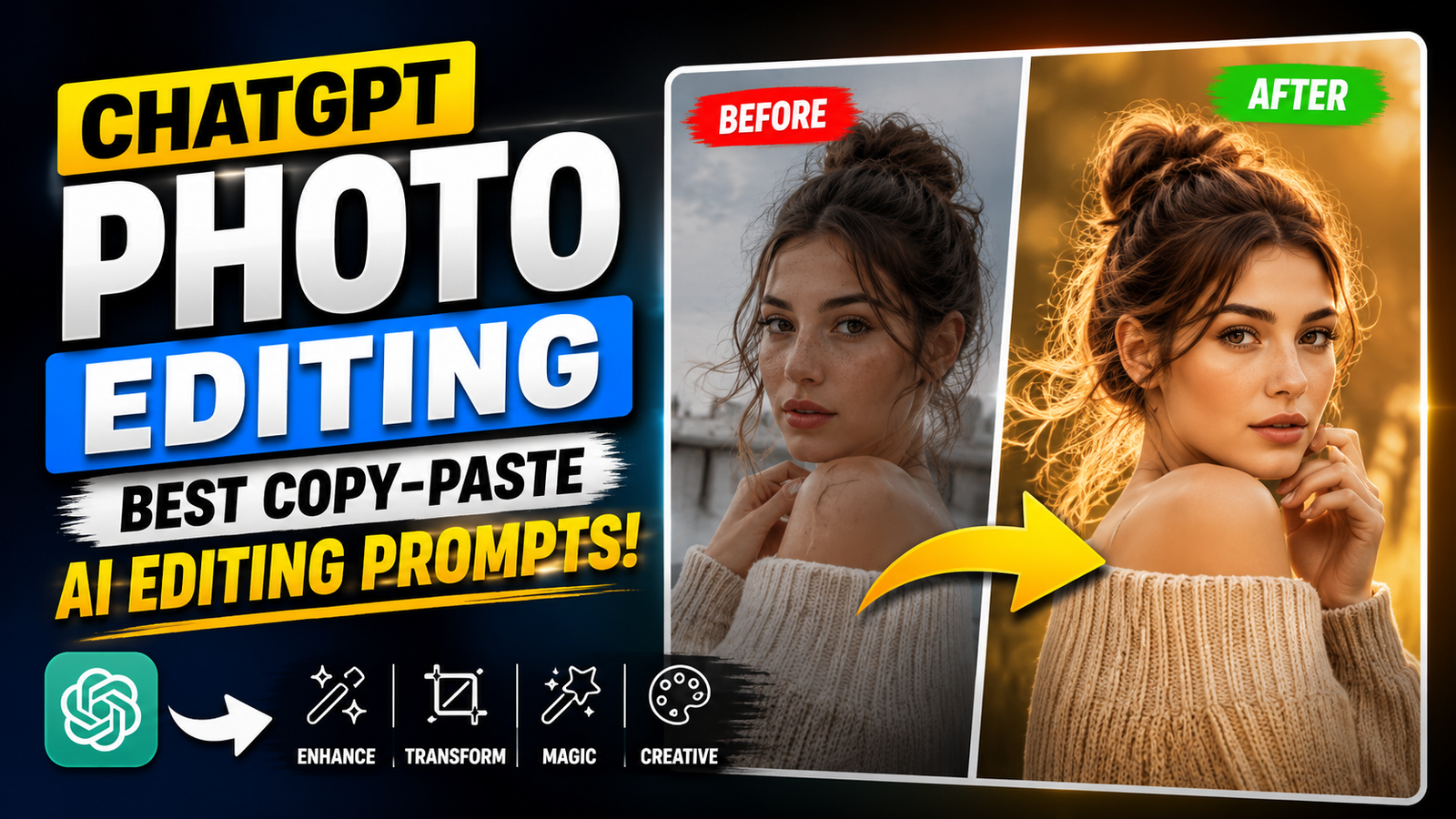
A “prompt for ChatGPT photo editing” is a set of instructions used to tell AI how you want an image to be edited or enhanced. In 2026, AI photo editing has become very popular because users can transform normal photos into professional, cinematic, or creative visuals just by writing a simple prompt. These prompts work with AI tools like ChatGPT image generation, DALL·E, Midjourney, Canva AI, and other editors. This article provides ready-to-use photo editing prompts that you can copy and use to edit portraits, backgrounds, lighting, and social media images like a professional designer.
What is a Photo Editing Prompt?
Simple Explanation
A photo editing prompt is:
- A written instruction for AI
- Used to modify or enhance images
- Describes style, lighting, background, and quality
Example: “Make this photo look cinematic with warm lighting and blurred background.”
Best ChatGPT Photo Editing Prompts
1. Professional Portrait Editing Prompt
“Edit this image into a high-quality professional headshot. Improve lighting, enhance facial details, smooth skin naturally, adjust contrast, and create a clean studio background. Keep the face realistic and unchanged.”
2. Cinematic Photo Editing Prompt
“Transform this photo into a cinematic movie-style portrait. Add dramatic lighting, teal and orange color grading, soft shadows, depth of field, and film-like atmosphere. Keep it realistic.”
3. Instagram Aesthetic Edit Prompt
“Enhance this photo with Instagram aesthetic style. Apply warm tones, soft lighting, vibrant colors, smooth background blur, and influencer-style look. Keep it natural and modern.”
4. Background Change Prompt
“Replace the background of this image with a luxury city night view. Match lighting and shadows naturally. Keep the subject unchanged and realistic.”
5. DSLR Portrait Mode Prompt
“Apply DSLR portrait mode effect. Blur the background smoothly, enhance subject sharpness, improve lighting on face, and create natural depth of field.”
6. Ultra HD Enhancement Prompt
“Enhance this image into ultra-HD quality. Improve clarity, sharpness, facial details, and lighting while keeping everything realistic and natural.”
7. Fashion Photo Editing Prompt
“Upgrade this photo into a high-end fashion shoot style. Enhance outfit details, improve lighting, add cinematic tones, and create magazine-style aesthetics.”
8. Passport Style Photo Prompt
“Convert this image into a clean passport-style photo. White background, centered face, neutral expression, balanced lighting, and high clarity.”
9. Viral Social Media Style Prompt
“Edit this photo into a viral social media style image with vibrant colors, cinematic glow, sharp contrast, and modern Instagram look.”
10. Old Photo Restoration Prompt
“Restore this old photo by removing scratches, improving clarity, enhancing facial details, and colorizing naturally while keeping original authenticity.”
Tips for Better AI Photo Editing Prompts
1. Be Clear and Specific
Mention exactly what you want:
- Lighting
- Background
- Style
2. Add Style Keywords
Use words like:
- Cinematic
- Ultra-realistic
- DSLR
- Aesthetic
- Professional
3. Protect Identity
Always add:
- “Keep face unchanged”
- “No distortion”
- “Realistic output”
Final Thoughts
A good prompt for ChatGPT photo editing can completely transform your images into professional-quality visuals. The key is to be clear, descriptive, and specific about the style you want. Whether you are creating social media content, professional portraits, or creative edits, AI prompts make the process fast and easy. With practice, you can create highly realistic and attractive images using simple text instructions.
FAQs
1. What is a photo editing prompt?
It is a text instruction used to tell AI how to edit or enhance an image.
2. Can ChatGPT edit photos directly?
ChatGPT can guide or generate prompts, and in some versions it can assist with image editing tools.
3. What is the best photo editing prompt style?
Cinematic, ultra-realistic, and DSLR-style prompts are the most popular.
4. Can I use these prompts in other AI tools?
Yes, these prompts work in Midjourney, DALL·E, Canva AI, and similar tools.
5. How do I get better AI photo results?
Be specific about lighting, background, style, and quality in your prompt.
Tagged: Prompt for ChatGPT Photo Editing